Bloatware: 70% of the features on professional platforms are never used by small businesses, but they create visual noise.
Learning curve: Users need to watch hours of tutorials just to add a product and set up shipping.
Outdated UI: Many local solutions look like complex spreadsheets from the 2010s, which scares away creative entrepreneurs.
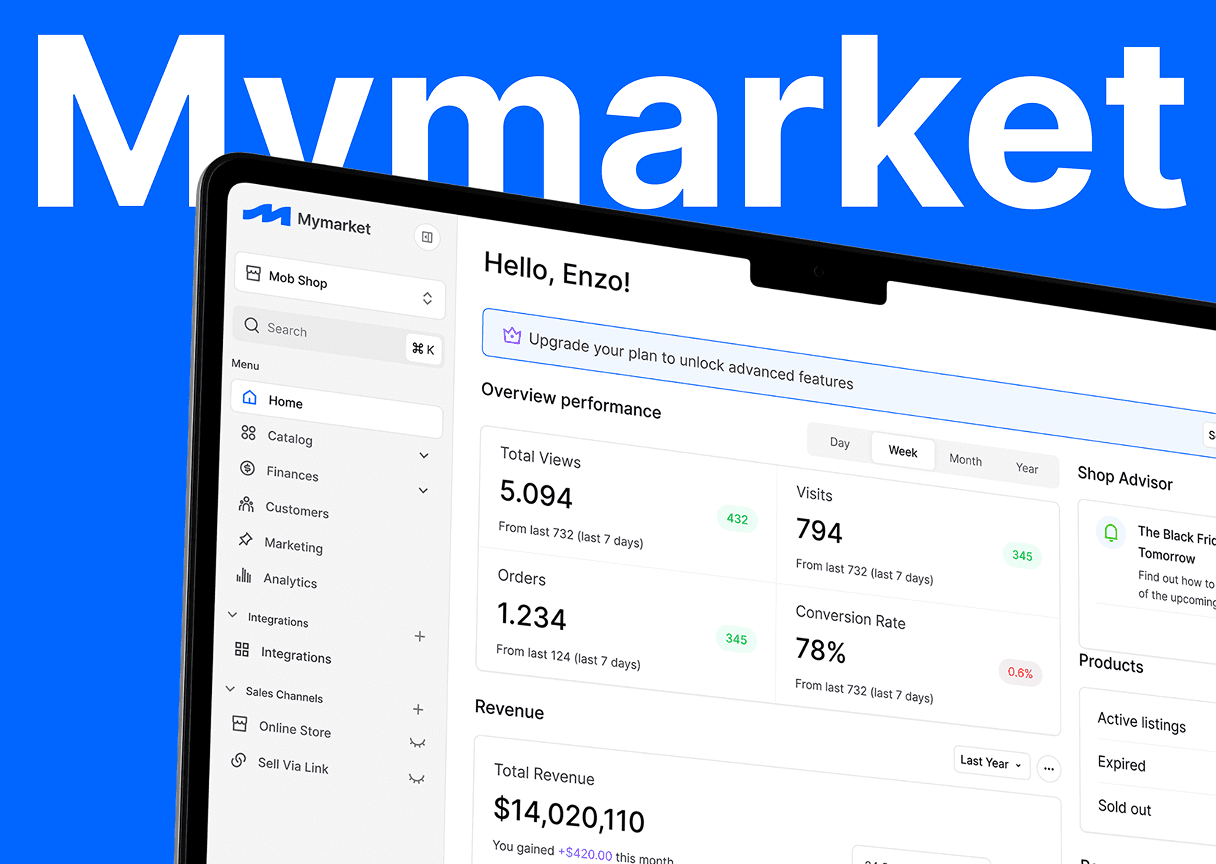
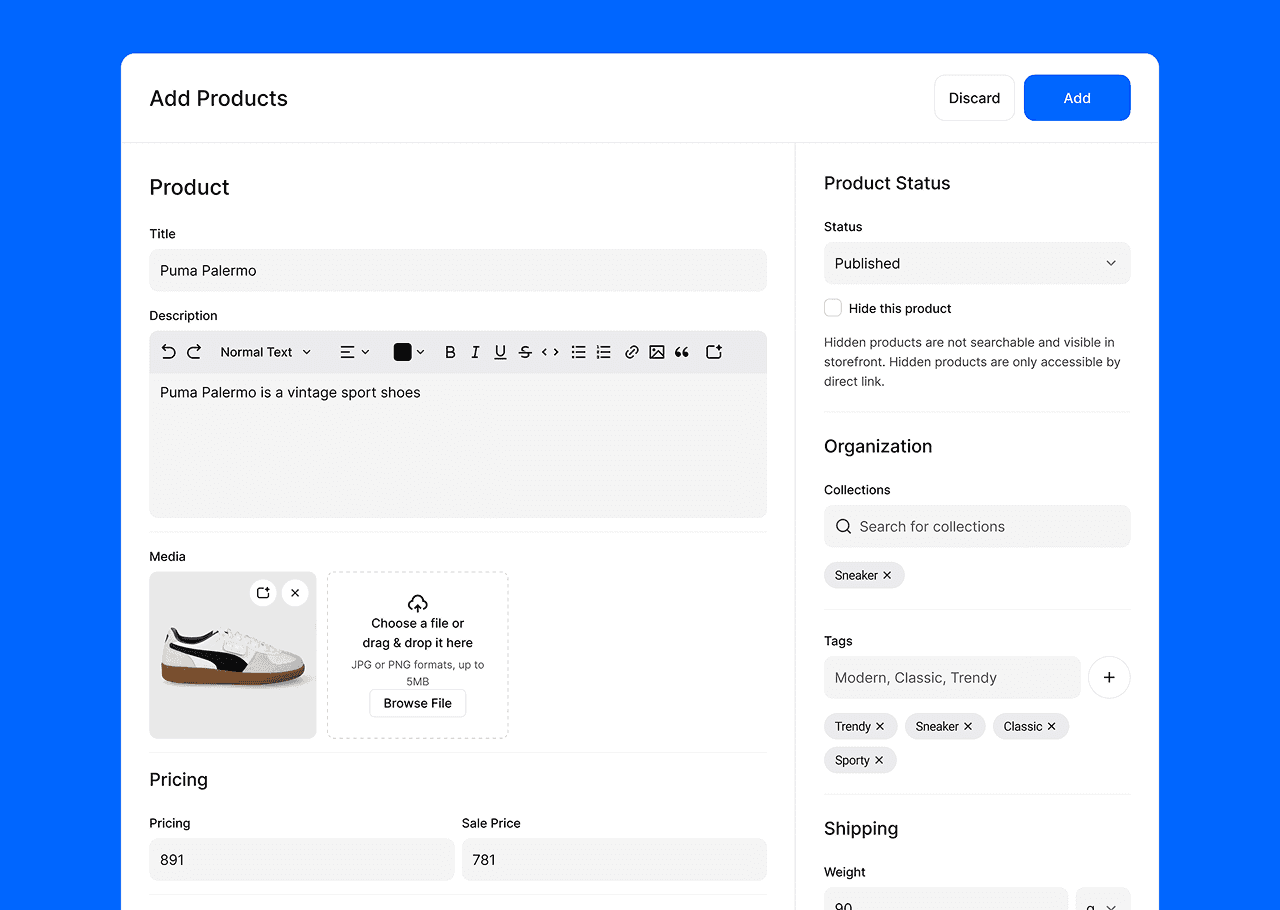
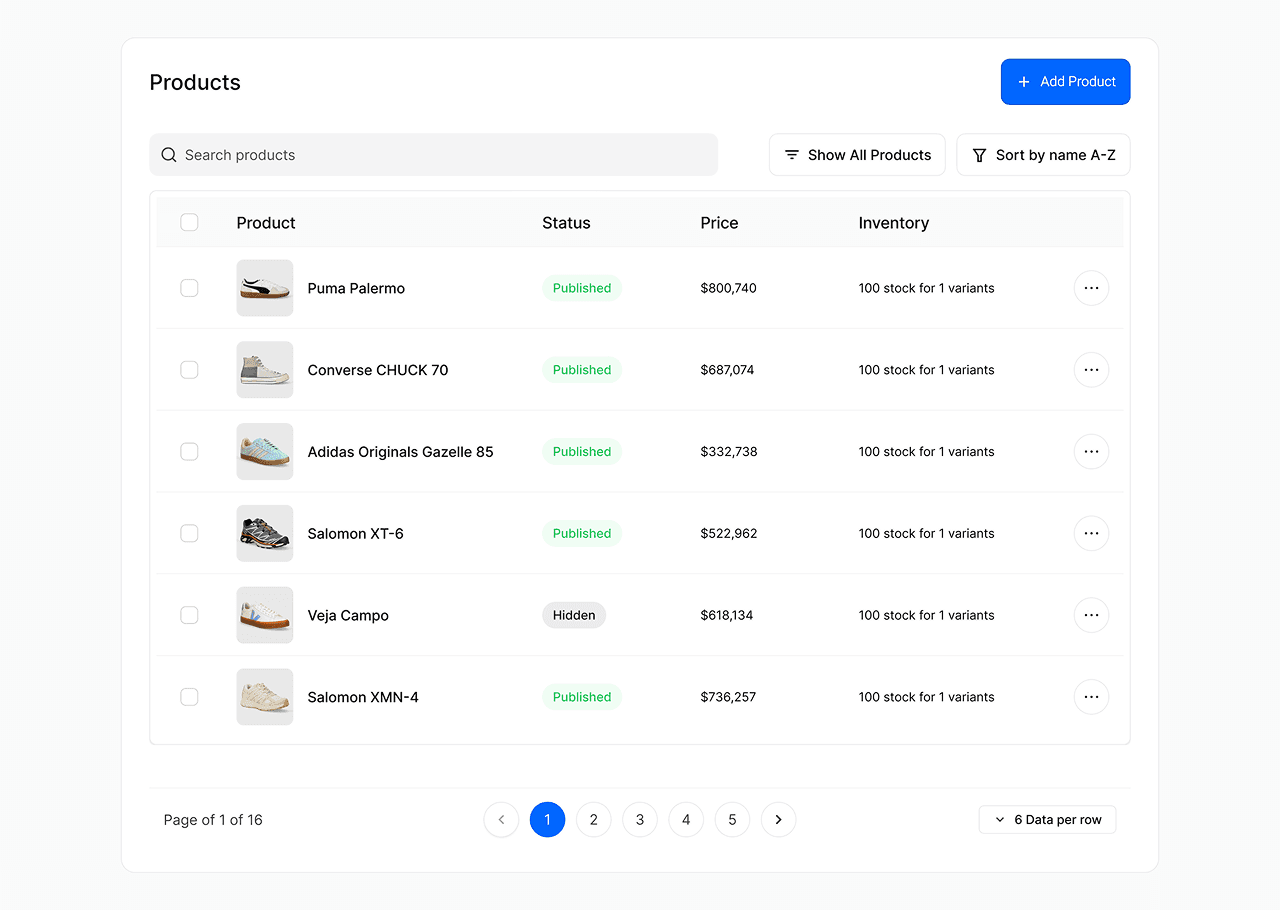
Clean interface: Focus on user content (products) rather than system settings.
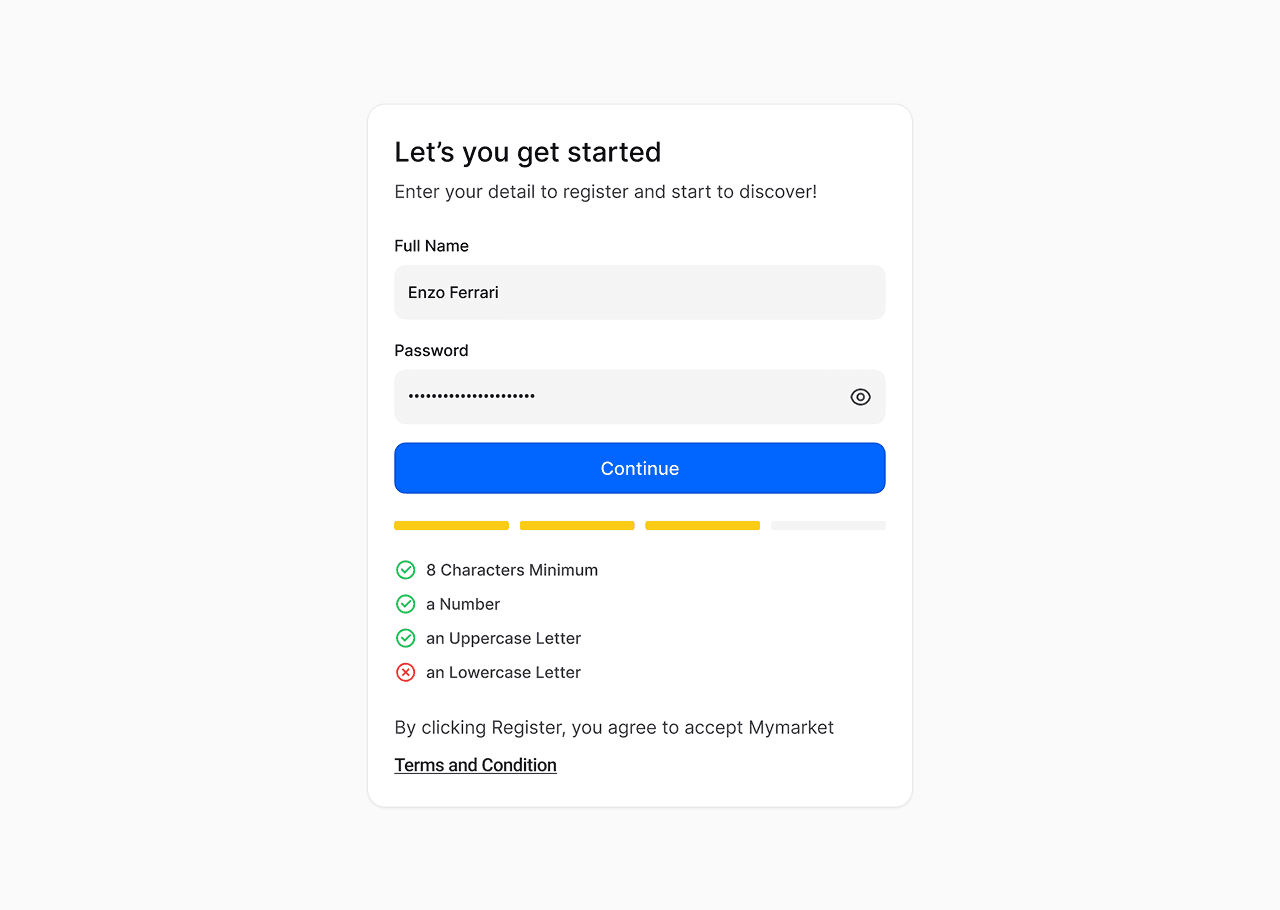
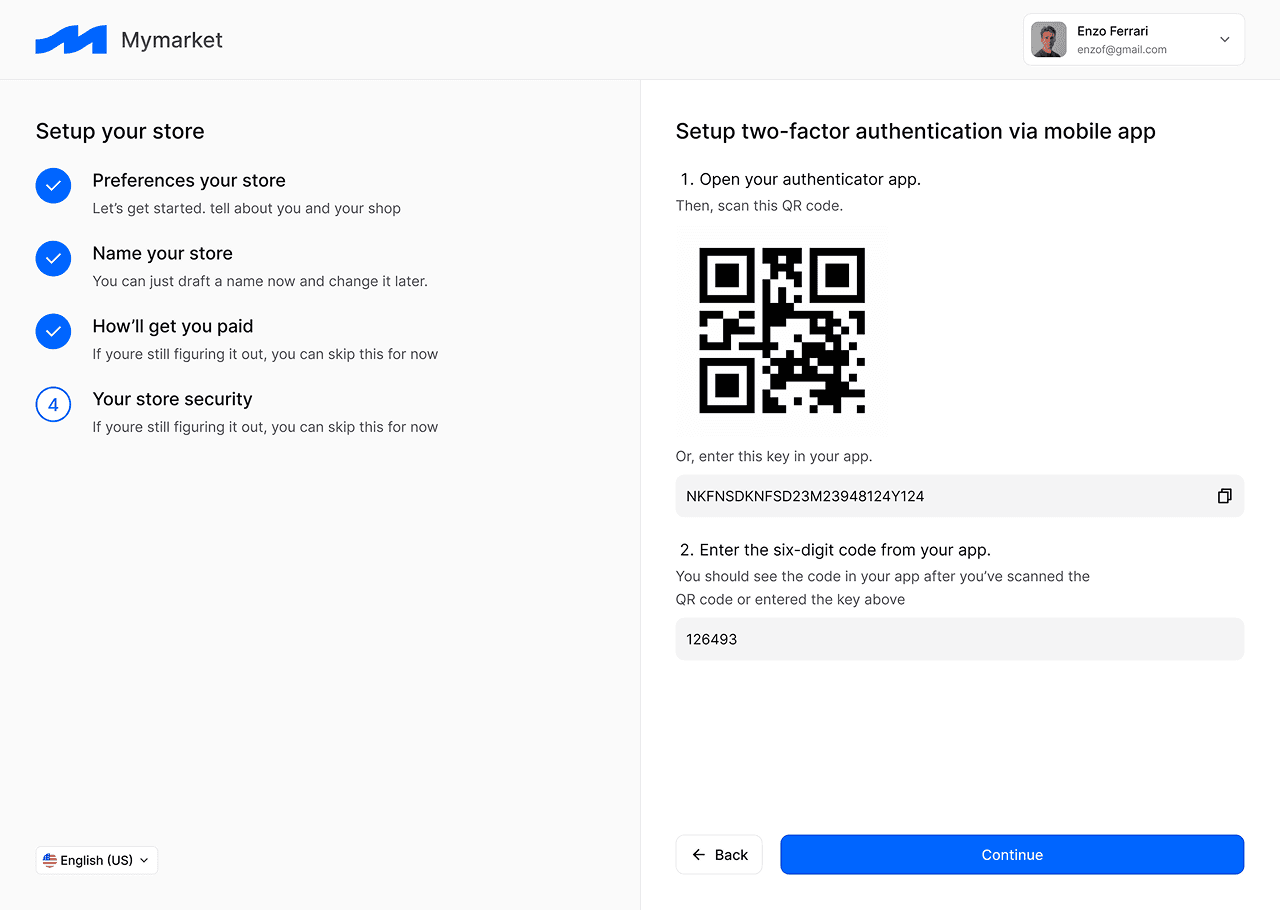
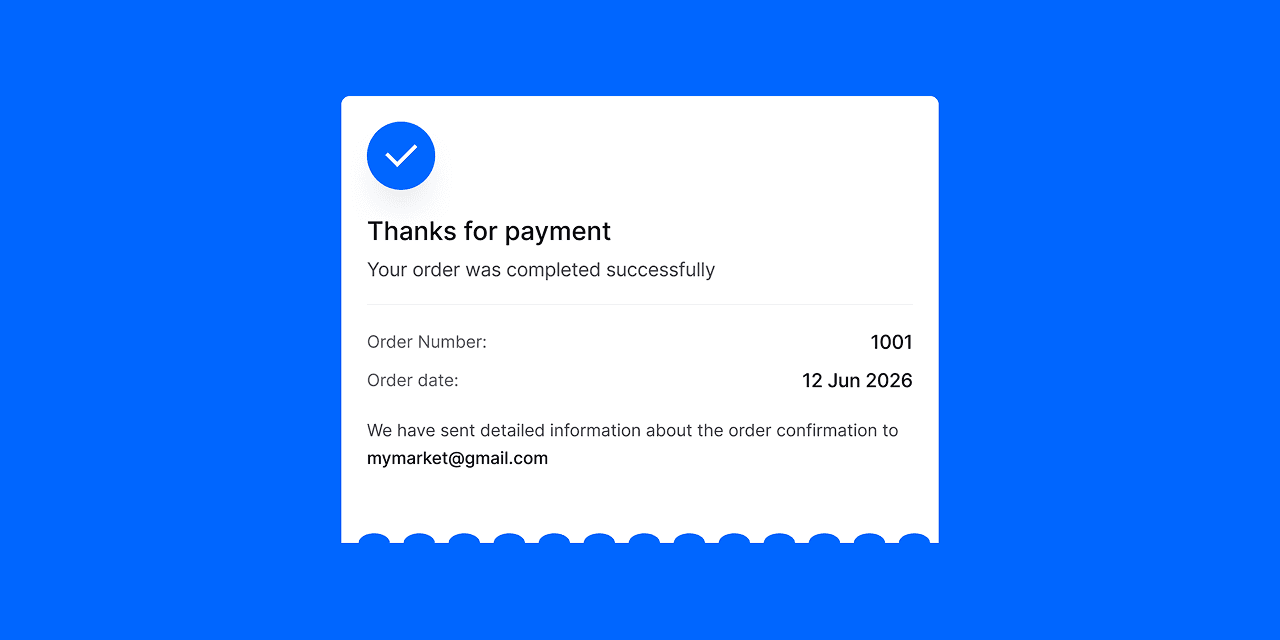
Quick start: Intuitive onboarding that guides the user from registration to their first sale.
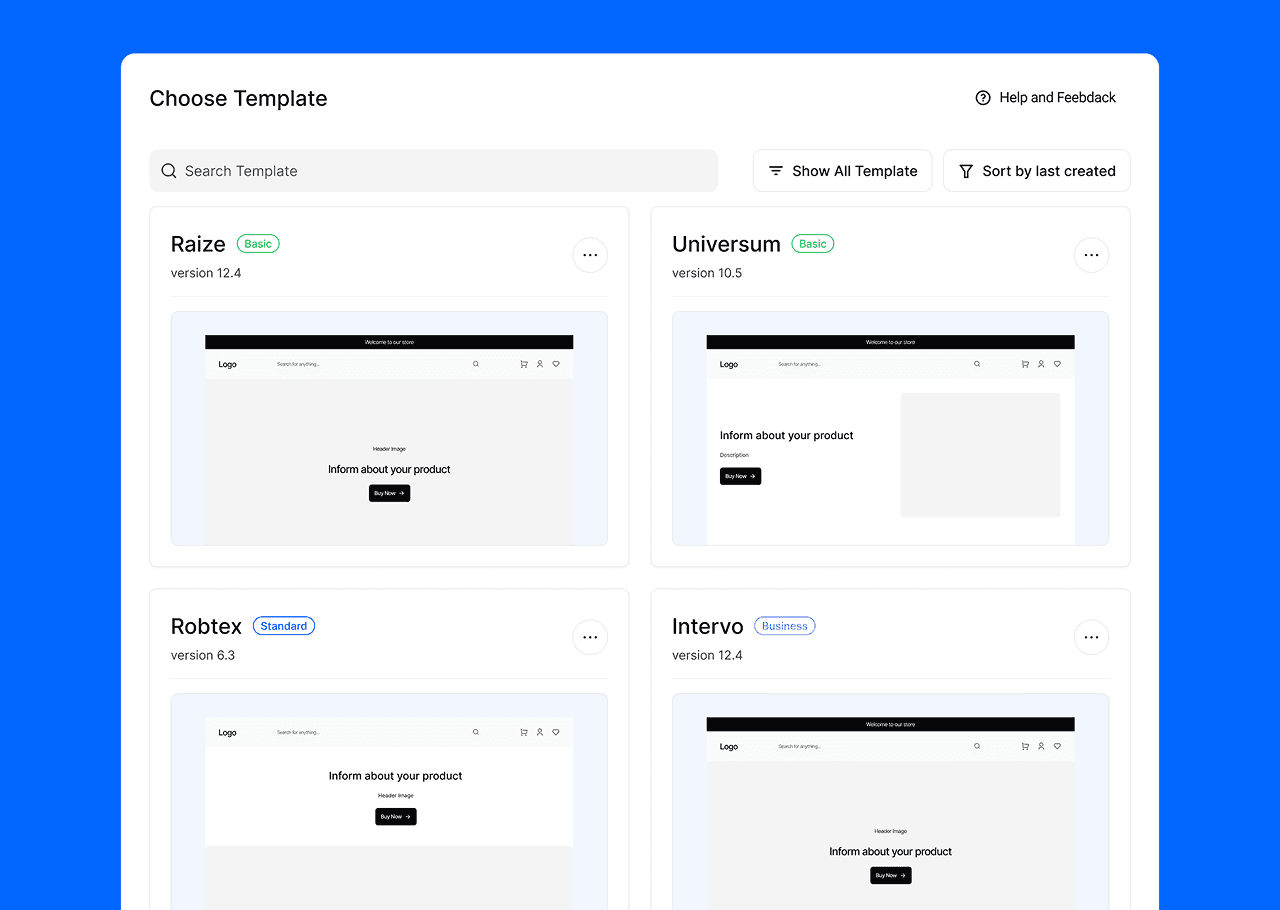
The user chooses a ready-made website template designed by professional designers. This ensures that the website will always look stylish.
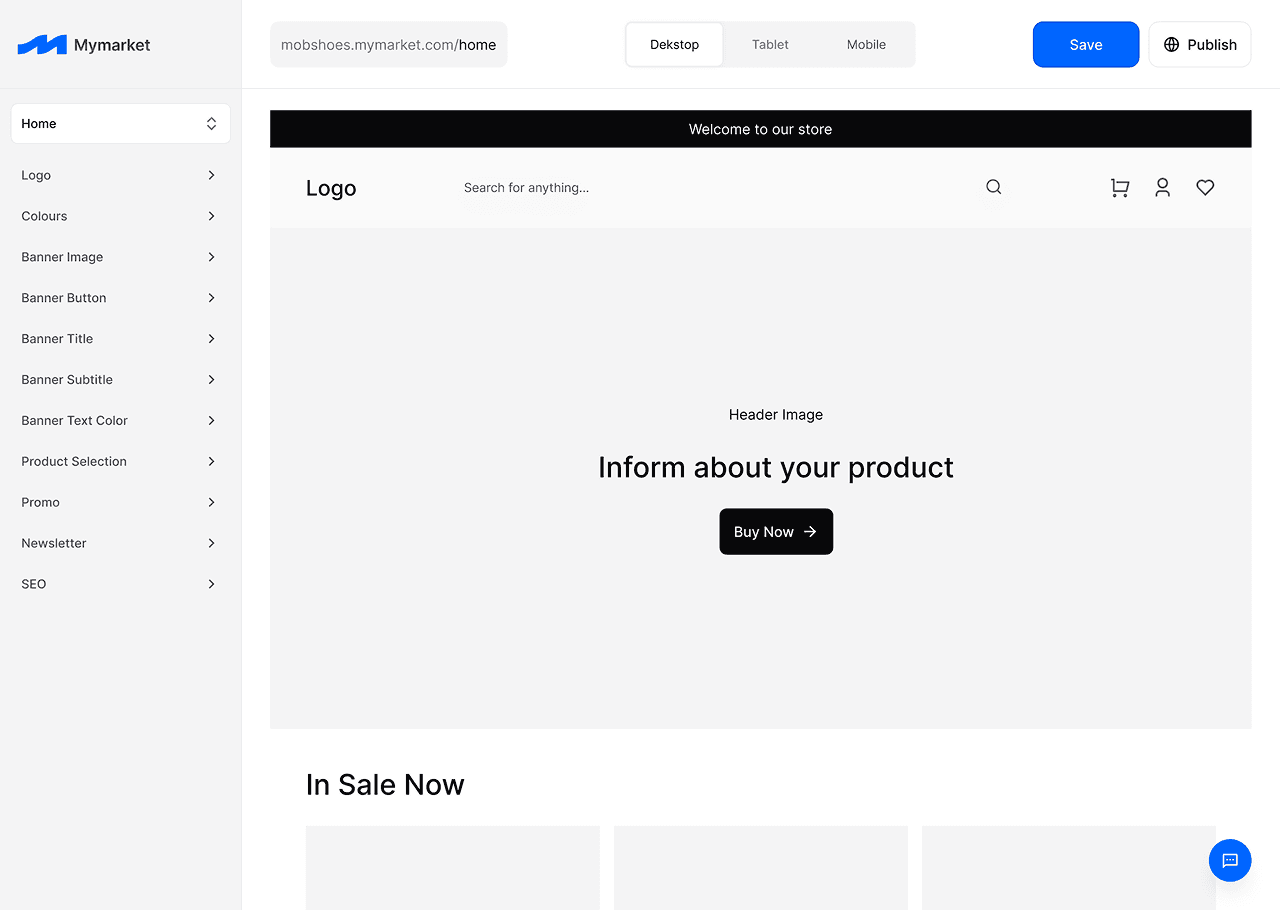
Then they can change the colors and fonts used throughout the site, which preserves brand integrity. They can also add and change images, choose styles for different blocks, and customize the site for their brand.
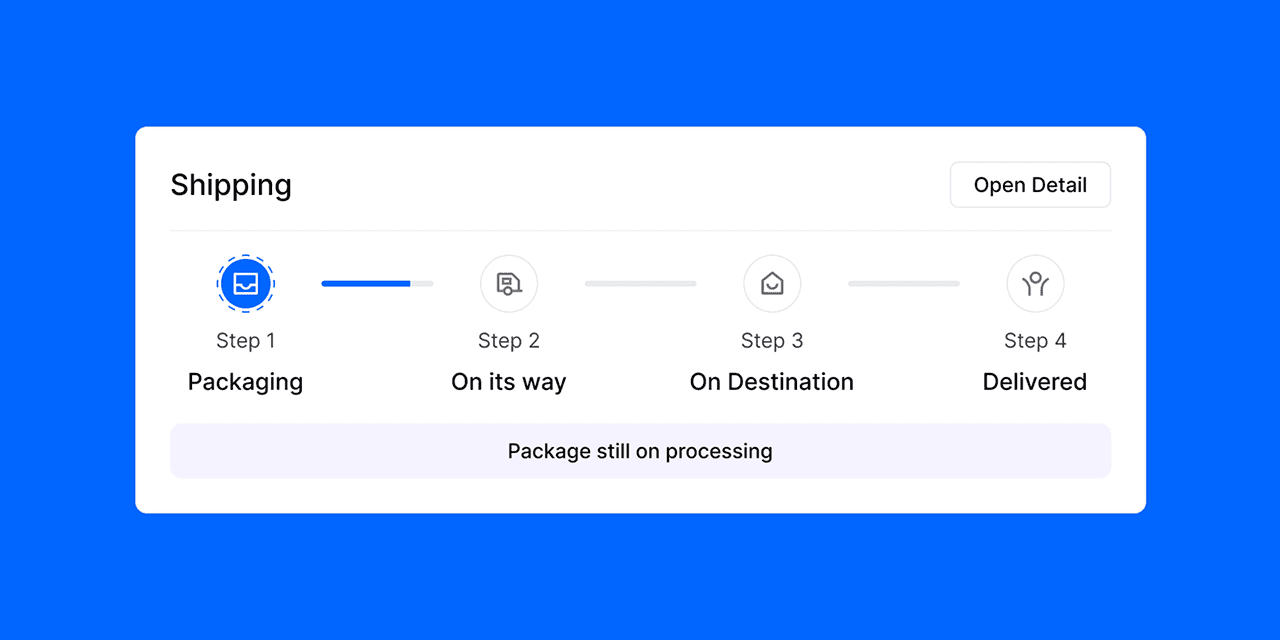
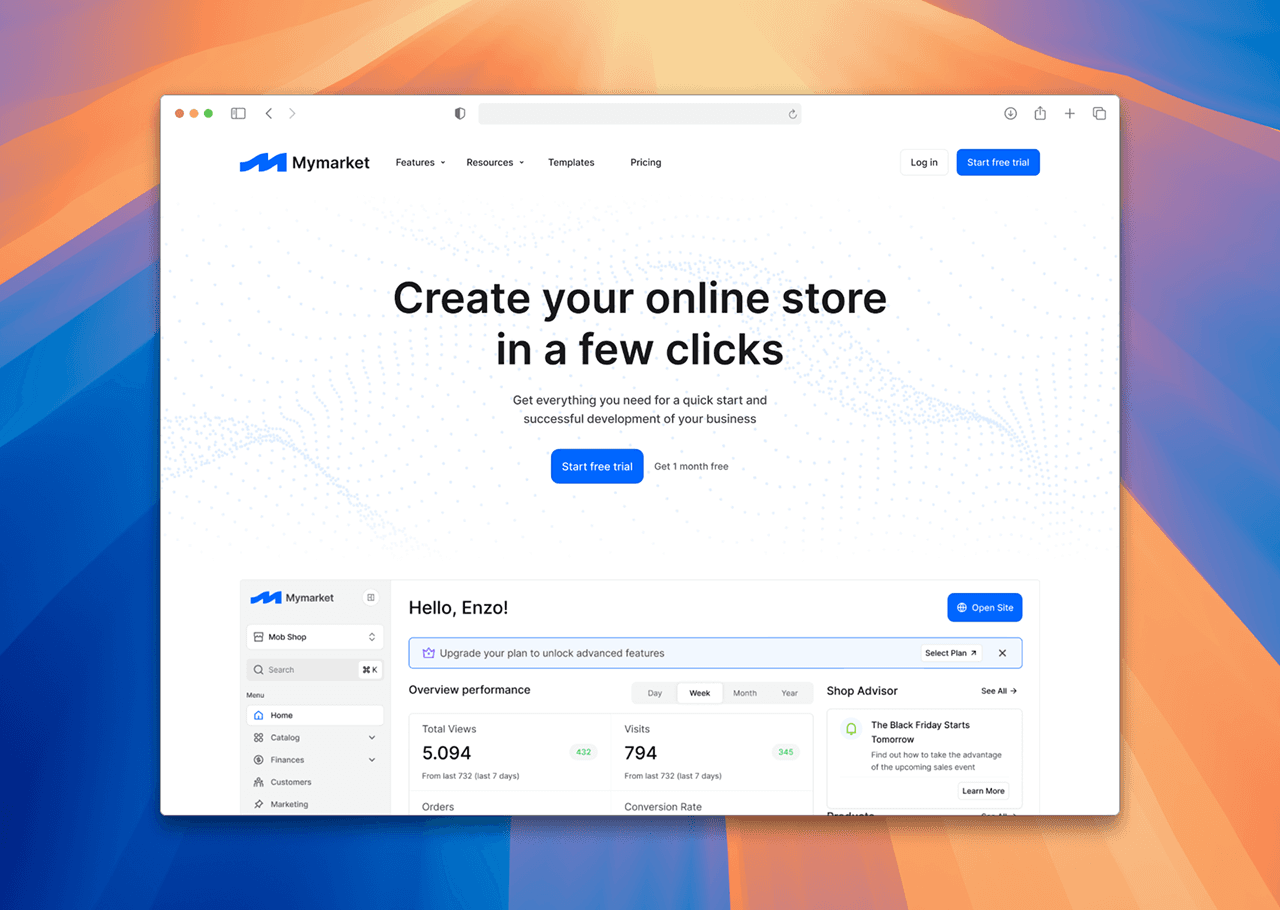
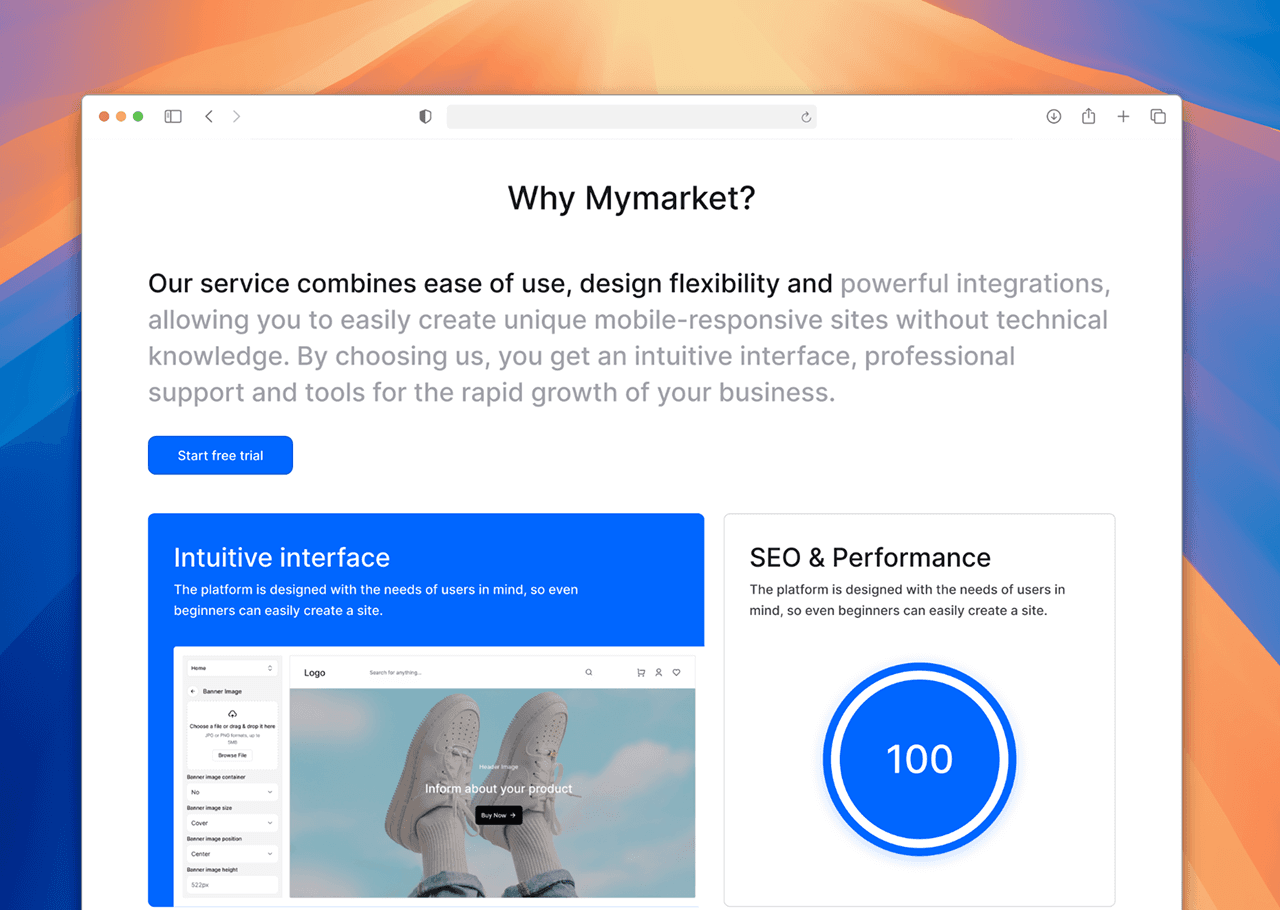
Designing complex architecture (SaaS Thinking): I learned how to structure large data sets (order management, product databases, and settings) so that the interface remained “clean.” This allowed me to hone my skills in creating scalable design systems.
Product thinking and marketability: In addition to designing the CMS itself, I analyzed how to make the product attractive to the end consumer. Creating a landing page helped me understand how to properly communicate the value of the product through visual language and a clear focus on launch speed.
Prioritizing cognitive comfort: I proved in practice that in the e-commerce niche, “less is more.” By lowering the entry threshold for users and minimizing cognitive load, I created a concept that allows businesses to focus on sales rather than learning complex software.